

Buyer’s Guide: choosing the right ERP for F&B chains
A guide for CEOs, CFOs and COOs: business requirements, project goals, solution tiers, evaluation criteria and the demo scripts to request from vendors.
What CEO, CFO and COO care about
An F&B ERP project is rarely one person’s decision. The CEO cares about expansion speed and profit per location, the CFO about food cost, consolidation and cash, and the COO about standard processes in stores and kitchens. Understanding each view makes selection and rollout far smoother.
Expansion & profit per location
- Open stores or franchise without rebuilding processes
- Rank stores by profit, not just revenue
- Transparent numbers for investors
- License cost that does not grow with headcount
Food cost, consolidation & cash
- Compare theoretical food cost with actual cost
- Consolidate entities and central kitchen - store transactions
- Reconcile POS, bank and e-wallet revenue
- Fast close and Circular 99 reporting
Standard store & kitchen processes
- One standard recipe for every store and brand
- Periodic counts with controlled variances
- Ordering, receiving and transfers with approvals
- Replicate processes when opening new stores
Which features does an F&B chain ERP need?
An ERP that fits a large F&B chain must cover at least six areas: recipes with automatic ingredient deduction, multi-unit stock counts, warehouses and the central kitchen, purchasing, POS integration and per-store P&L. Missing any of them pushes work back into spreadsheets, which breaks down as the store count grows.
Recipes & backflush
Ingredient standards per item, automatic stock deduction after every POS sale, and accurate book stock to compare with counts.
Multi-unit barcode counts
Scan GTIN codes on cases, packs and bottles; units convert automatically, cutting count errors in stores.
Central kitchen & MRP
Plan semi-finished production from store demand, transfer stock and track kitchen waste.
Purchasing & suppliers
Requisitions from minimum stock, multi-level approvals, supplier price comparison, mobile receiving.
POS integration & reconciliation
Bring revenue from S4 POS or your current POS into the ERP by store and shift; reconcile with banks and e-wallets.
Per-store P&L
Revenue, food cost and expenses by store, region and entity, consolidated on real-time dashboards.
Bookkeeping or running on daily data?
The real goal of an F&B ERP project is not just replacing accounting software. It is the move from looking back - learning at month-end which store lost money or which ingredient was wasted - to running the chain on daily data, where food cost, stock and revenue variances are visible while there is still time to act.
Retrospective management
The chain knows POS revenue, but food cost, waste and store P&L only appear after month-end accounting. Reports are post-mortems - problems are seen after they happen.
Daily data-driven operations
POS, recipes, inventory, purchasing and accounting are connected. Every morning managers see theoretical vs actual food cost, store stock and yesterday’s P&L, and act the same day.
| Process | Level 1 - Retrospective | Level 2 - Daily operations |
|---|---|---|
| Food cost | Total food cost after month-end close | Theoretical vs actual food cost after counts, by store and item |
| Inventory | Periodic paper counts keyed into Excel | Daily barcode counts with variances shown instantly |
| Purchasing | Stores order by phone and chat | Requisitions from minimum stock, approvals and Zalo notifications |
| Revenue & reconciliation | Manual POS and bank matching at month-end | POS revenue posted by shift, automatic bank reconciliation |
| P&L | One chain-wide report | P&L by store, region and entity on dashboards |
| Shift staff | Timesheets and payroll in spreadsheets | Shift and part-time payroll under Vietnamese rules, labor cost by store |
What to check in a demo is not how many modules the ERP has, but whether processes truly connect: a coffee sold must deduct the right ingredients by recipe, count variances must flow into food cost reports, and store P&L must be on the dashboard without manual reconciliation.
Which solution groups are available to F&B chains?
The systems F&B chains use fall into three groups by level of management. Choosing the right group for your size and expansion plans usually matters more than picking the software with the longest feature list.
Global group-level ERP
Typically used at the parent company’s headquarters, with processing plants and global governance needs. High cost and long implementations, with little flexibility per market.
SAP S/4HANAOracle Fusion Cloud ERPMicrosoft Dynamics 365 Finance & SCMManagement depth with speed
For multi-store, multi-entity F&B chains with a central kitchen, and Vietnam subsidiaries of international groups in a two-tier ERP model.
AcumaticaOracle NetSuiteMicrosoft Dynamics 365 Business CentralFast, simple, low cost
For small chains with few stores and simple processes. Sales and accounting run on separate systems; recipes and store P&L are mostly manual.
POS / sales management softwareLocal accounting softwareExcel for recipes and countsFour system setups common in F&B chains
| Setup | Strengths | Common limits |
|---|---|---|
| POS + Excel | Fast to start, low cost | No recipes, manual counts, late P&L |
| POS + local accounting software | Fits Vietnamese accounting, familiar to accountants | No recipes or central kitchen; store P&L compiled by hand |
| On-premise international ERP | Broad functional scope | Infrastructure cost, per-user fees, slow upgrades and expansion |
| Cloud ERP + integrated POS | Connected from each sale to P&L, fast new-store setup | Needs a partner who knows F&B and Vietnam localization |
Which criteria should F&B chains use to evaluate ERP?
The table collects the questions to put to every ERP vendor, so options are compared on the same yardstick rather than on feature lists.
| Criterion | Question to ask the vendor | Why it matters |
|---|---|---|
| Recipes & backflush | When an item is sold at the POS, which ingredients are deducted, in which unit? | The foundation for real food cost and waste |
| Store counts | What do staff count with at shift end, how long does it take, where do variances appear? | Slow counts never happen daily |
| POS integration | How does our current POS connect, and does data arrive by shift or by day? | Avoids re-keying revenue and reconciliation gaps |
| Multi-entity & consolidation | How is a central kitchen sale to a store in another entity recorded? | Large chains often run several companies and ownership models |
| Cost of expansion | How do license fees change with 20 more stores and 300 more staff? | Per-user fees make chains limit store access |
| Vietnam localization | Are Circular 99 reports, e-invoicing and shift payroll ready, or custom-built? | Decides whether a second accounting system is needed |
| AI & data | Can managers query data in natural language, and can it connect to AI tools? | Leadership needs answers fast, not waiting for reports |
Which demo scripts should you ask vendors to run?
Demos built on your own scenarios separate truly connected systems from systems that merely have the screens. These are the six scenarios S4 recommends F&B chains request.
Sale & ingredient deduction
Sell a few drinks at the POS and check that ingredients are deducted by recipe and book stock updates immediately.
End-of-shift count
Scan cases, bottles and cans in two different units and compare with book stock.
Central kitchen
Produce semi-finished goods from demand, transfer to a store, record waste.
Supplier ordering
Create a requisition from minimum stock, approve it and send a Zalo notification.
Yesterday’s P&L
Open the dashboard with yesterday’s revenue, food cost and P&L by store.
New store setup
Copy warehouse, recipe and permission setup to a new store during the demo.
6 reasons to choose Acumatica
Acumatica is the US cloud ERP that S4 Consulting implements for growing F&B chains. These are the six reasons that matter most to a multi-store chain.
Easy in stores, deep enough for leadership
According to Acumatica, it earned the highest usability score in the Nucleus Research 2026 SMB ERP Technology Value Matrix. One consistent web and mobile experience lets the chain roll out many stores at once while keeping data discipline.
- One consistent web and mobile experience
- Vietnamese language pack from S4
- Inventory and counts directly on phones
Role-based control of chain data
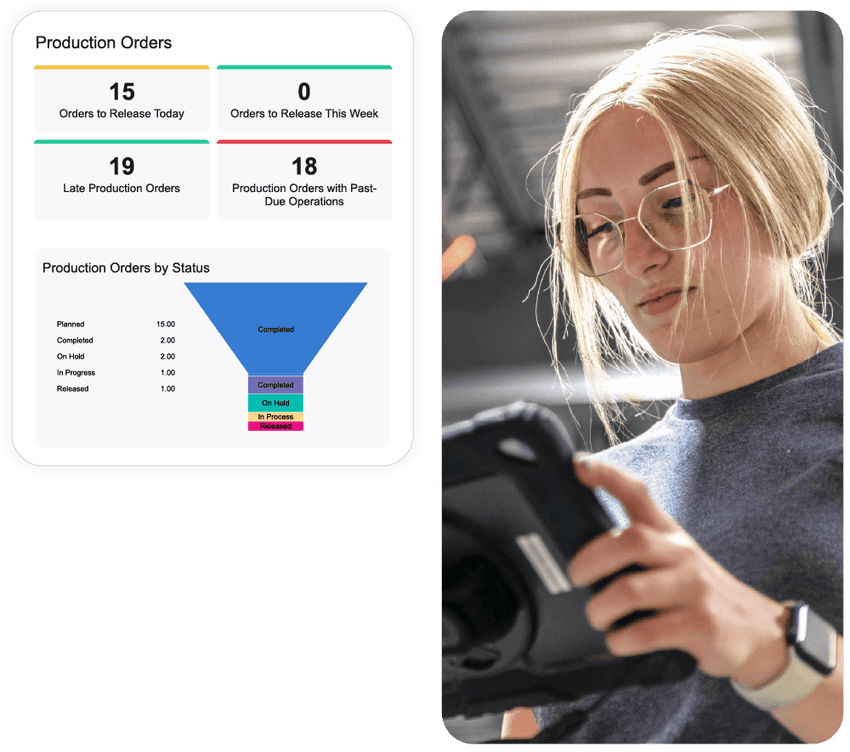
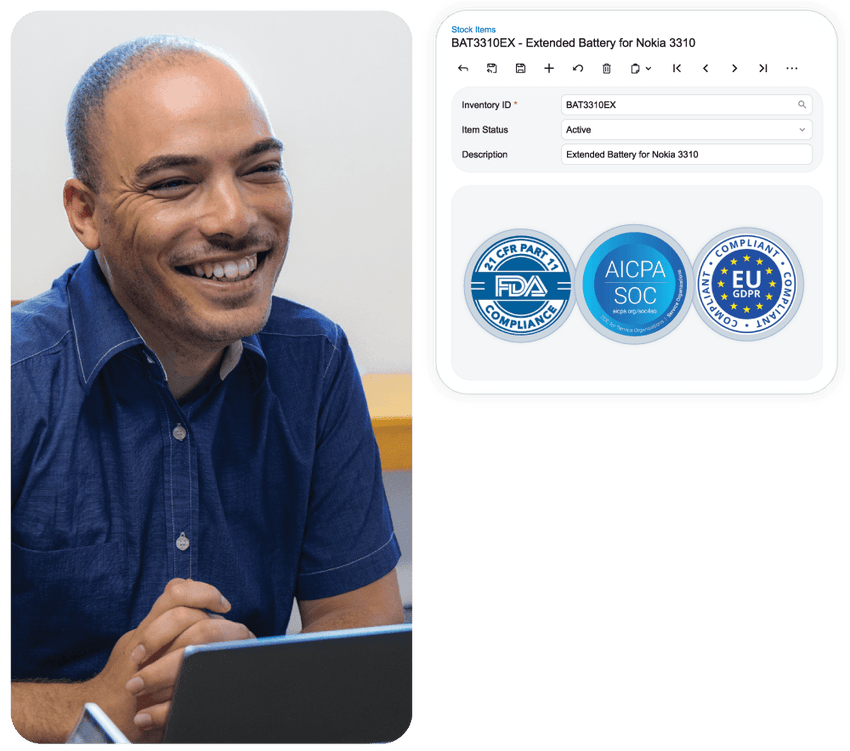
Role-based permissions, approval workflows and audit trails let the chain give stores broad access while keeping financial data under control.
- Permissions by store, entity and role
- Multi-level purchase and expense approvals
- Audit trails for internal control
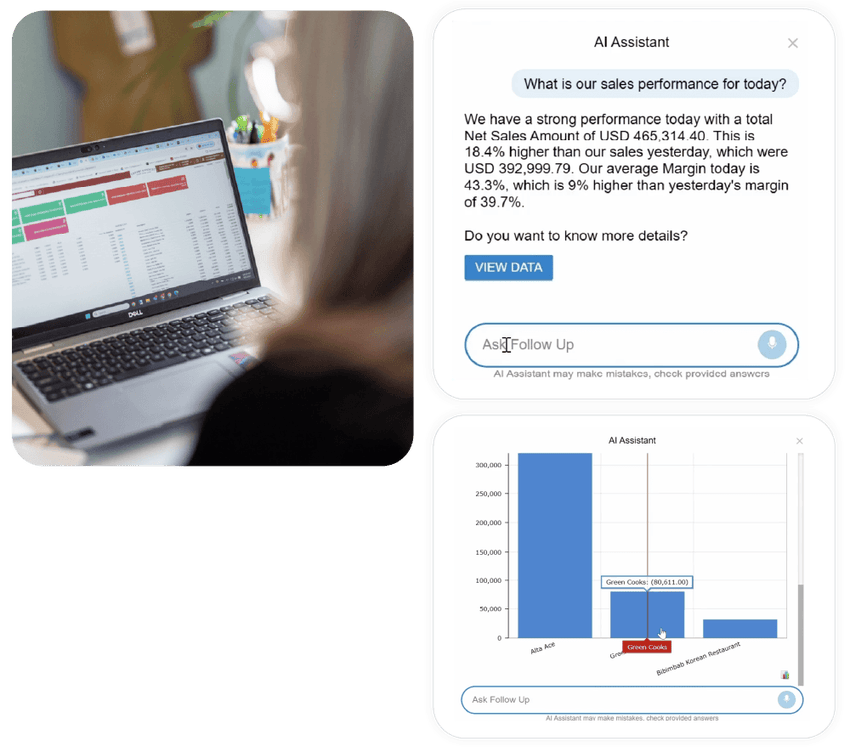
AI Assistant and MCP in 2026 R2
Acumatica 2026 R2, released on October 1, 2026, brings AI Assistant, AI Automation and MCP connections to Claude, ChatGPT and Gemini into daily work on ERP data, with permissions intact.
- Ask questions and chart ERP data
- Automate repetitive tasks
- Connect AI tools through MCP
Leading independent evaluations in 2026
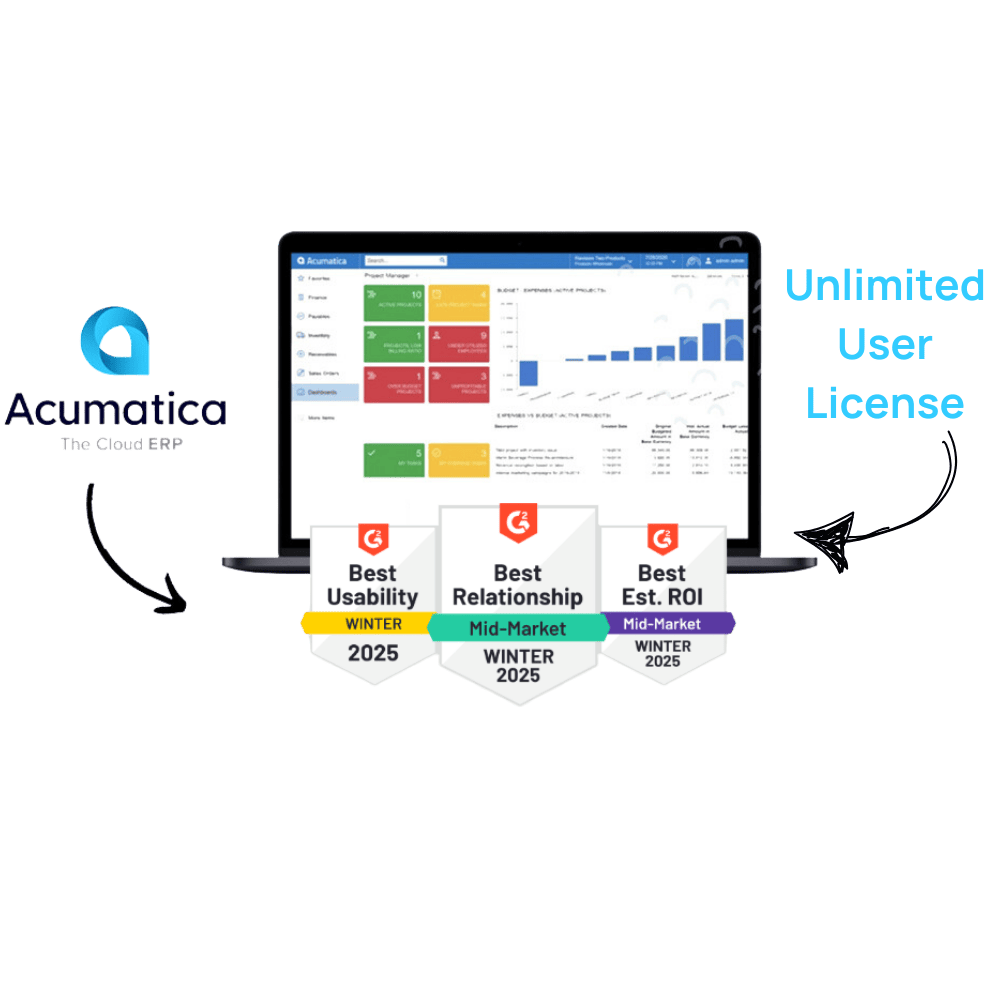
Nucleus Research named Acumatica a Leader in 2026. G2 Spring 2026 ranked it #1 Highest Rated among the Top 20 ERP Systems, and TrustRadius gave it three Top Rated 2026 awards.
- BLD Brands runs 143 US restaurants on Acumatica
- KFC Singapore moved from JD Edwards to Acumatica
- An Nhien Cafe implemented with S4 in Vietnam

Access anywhere, upgraded twice a year
Acumatica runs in the browser and on mobile with no servers in stores. The platform is upgraded twice a year, and new stores need configuration, not infrastructure.
- Web and mobile apps for stores, warehouses, kitchens
- No on-premise servers
- Scales with stores and entities
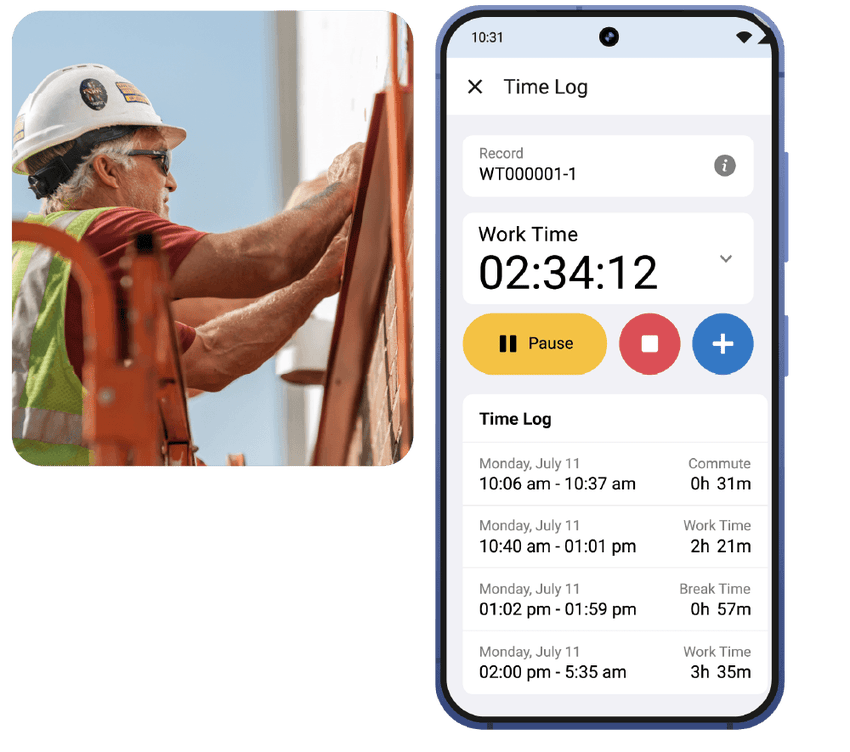
Everyone works on the same source of data
Acumatica charges by resources and transactions, not users. The chain does not have to ration access: every transaction from stores, warehouses and kitchens to the office is recorded in the system, with permissions and audit trails.
- No data living outside the system
- Control through permissions, not license limits
- Predictable total cost of ownership as you grow
See Acumatica in action
Three Acumatica demo videos on warehouse operations, management reporting and the AI Assistant - capabilities F&B leadership uses every day.
Demo videos use the English interface.
3 core processes of an F&B chain ERP
Each page explores a process that decides food cost and profit, with real Acumatica screens.
Recipes & backflush: know the real cost of every drink
Ingredient standards, automatic deduction after every POS sale, and theoretical vs actual food cost.
Read more →Multi-unit barcode counts in stores
Daily counts on mobile with GTIN codes to cut counting time and stock variances.
Read more →Per-store P&L and chain-wide dashboards
Track revenue, food cost and expenses by store, region and entity on one dashboard.
Read more →Resources for leadership teams
These three documents help leadership teams structure requirements and set concrete criteria for working with ERP vendors.
Choosing the right ERP for F&B daily inventory control
From manual counts to daily inventory control on a PDCA loop in every store (Vietnamese edition).
Download whitepaper ↓Framework S45 - which ERP tier fits your business
Criteria to decide whether the chain needs a Tier 1, Tier 2 or Tier 3 solution before comparing vendors (Vietnamese edition).
Download framework ↓VN Payroll for Acumatica
Shift and part-time payroll, insurance and tax under Vietnamese rules, with labor cost allocated by store.
Download brochure ↓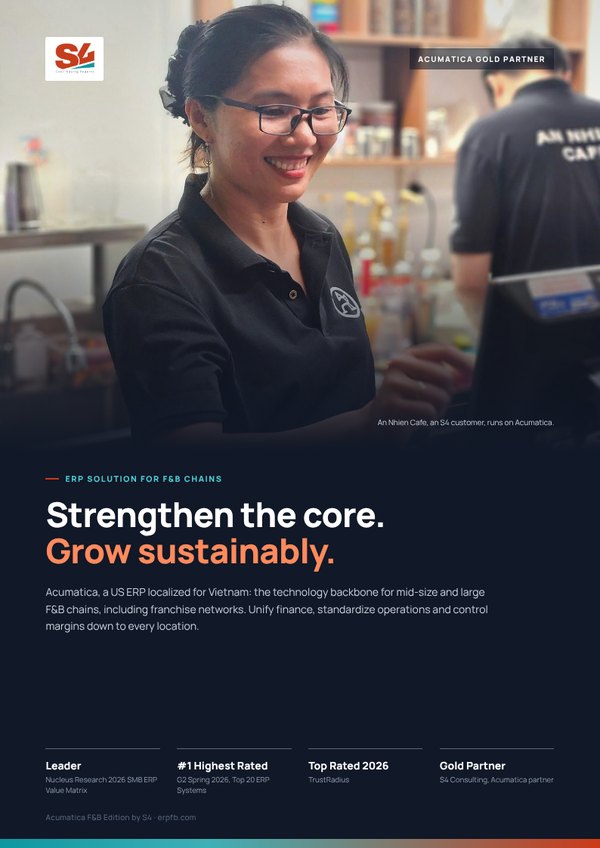
Acumatica F&B Edition by S4 brochure
Six pages for leadership: four capability layers, solutions by chain model and franchising, Vietnam compliance, the xRP platform, the An Nhien Cafe story and the Fast & Saving roadmap.
Frequently asked questions
Which ERP tier fits an F&B chain?
Which criteria should we use to compare ERP vendors?
How should we run ERP demos?
How is an F&B ERP different from POS software?

 Gold Partner
Evaluate Acumatica against your chain’s operating model
Book an Executive Briefing with Lac Pham or Nu Huynh to discuss goals, scope and the right roadmap for your chain.