

Manage recipes. Deduct ingredients automatically from sales.
Every food and drink item in your chain has a defined recipe in Acumatica. When the POS records a sale, the system deducts ingredients by recipe, building book stock to compare with physical stock and calculating cost per item.

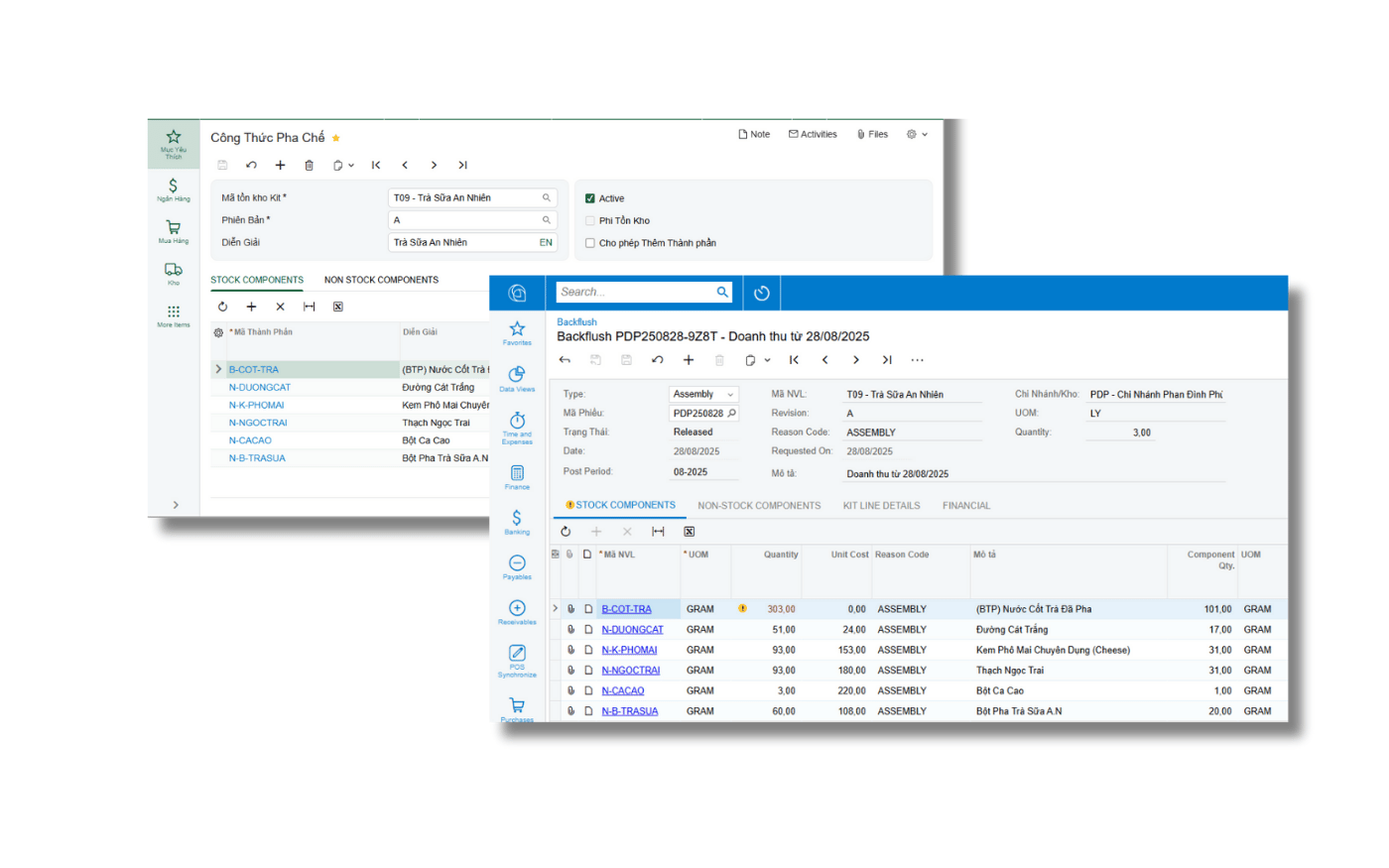
Recipe standards are the foundation of food cost discipline
For an F&B group, a few points of food cost across hundreds of thousands of monthly transactions decide the margin. Standard recipes with automatic deduction turn food cost from a month-end number into a daily monitored metric.
Theoretical vs actual food cost
Compare by store, brand and item to pinpoint the cause of variances.
One standard across the network
Consistent recipes and portions for company-owned and franchised stores.
Evidence-based pricing
Standard cost per item as the basis for pricing and menu decisions.



Accurate cost for every dish
From standard recipes to actual food cost, on one ERP platform.
Ingredient portions for every item
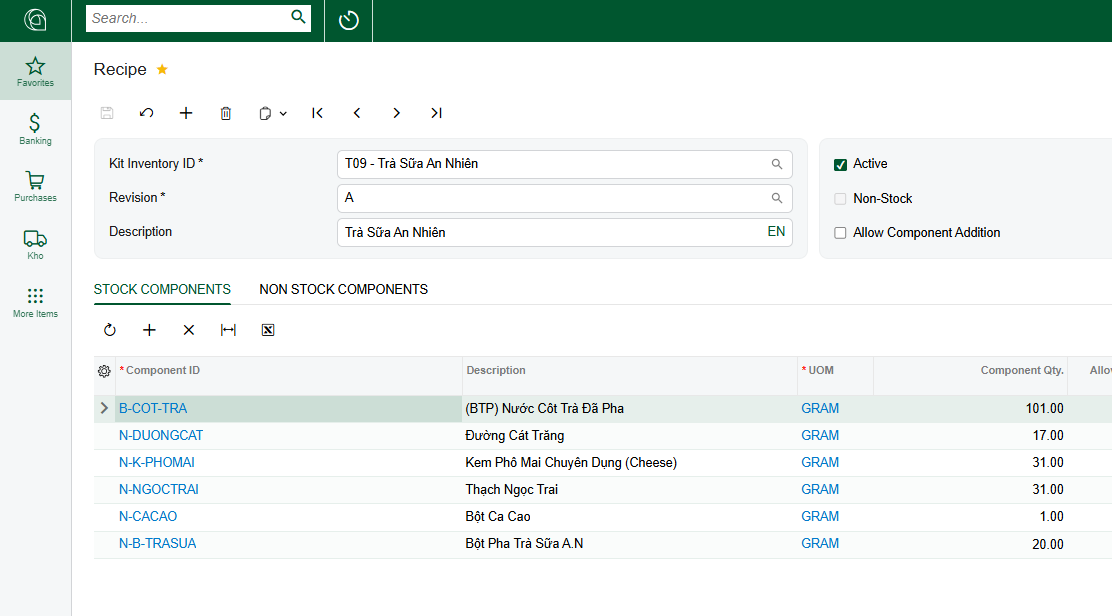
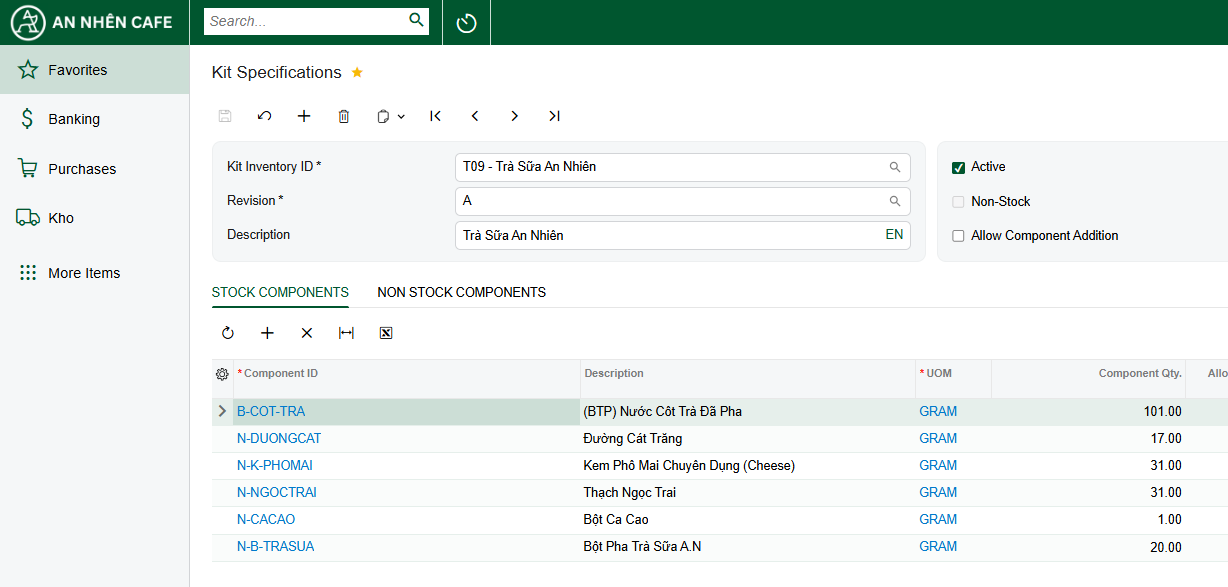
Define recipes per item, size and topping, with ingredient quantities and units. Recipes become the chain-wide standard, keeping items consistent across stores.
- Recipes by item, size and topping
- Ingredients, semi-finished goods and packaging
- One standard across the chain
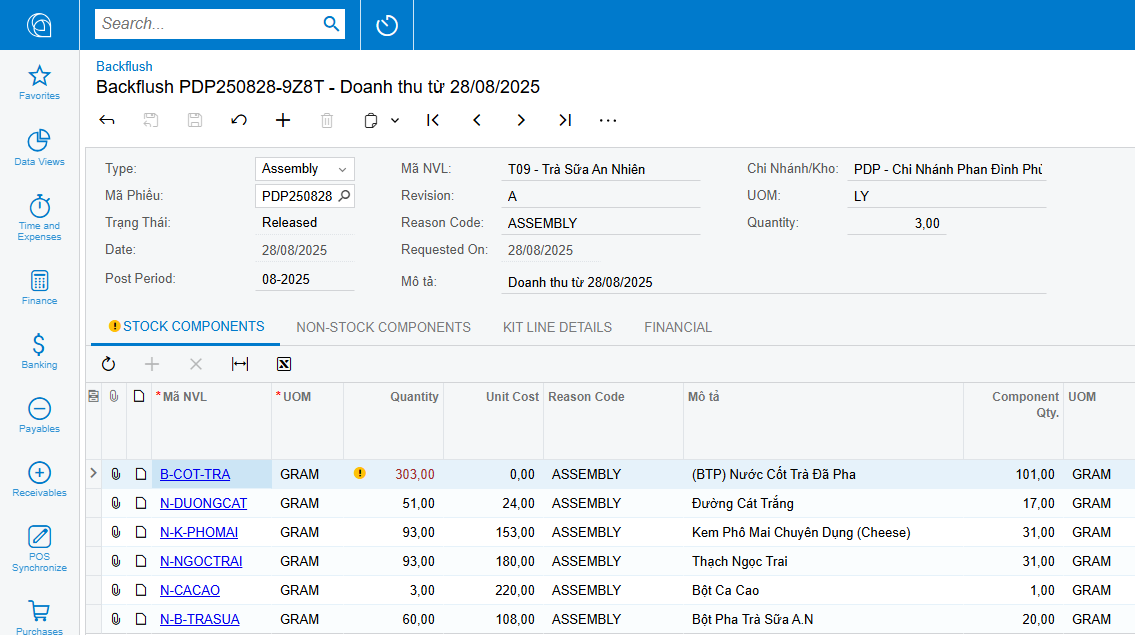
Deduct ingredients after each sale
Item sales from the POS flow into Acumatica. The system creates backflush documents and deducts ingredients by recipe from the right store warehouse, with no manual issue entries.
- Backflush documents by day and store
- Deducted from the selling store’s warehouse
- No re-entry at the store
Item cost from recipes and actual purchase prices
Item cost is calculated from the recipe and ingredient purchase prices. When ingredient prices change, the chain sees which items are losing margin and can adjust prices or recipes.
- Item cost at actual purchase prices
- Margin tracking by item
- Spot items hit by ingredient price rises
Compare book stock with physical counts
Book stock by recipe is compared with daily counts. Variances are pinpointed by store, shift and ingredient so managers can act the same day.
- Variances by store, shift, ingredient
- Detect over-portioning
- Data for a culture of transparency
What Recipes & Backflush includes
Item recipes
Portions by item, size and topping
Semi-finished goods
Multi-level recipes from the central kitchen
Multiple units
Convert grams, ml, bottles, cases
Automatic backflush
Deduct ingredients from POS sales
Item cost
At actual ingredient purchase prices
Item margin
Profit by item and item group
Theoretical cost
Book stock by recipe
Stock variances
Against daily physical counts
Recipe versions
Controlled recipe changes
Other features
Barcode stock counts
Scan printed manufacturer codes · Phone or handheld scanner
Warehouse management
Warehouse, central kitchen, stores · With in-transit tracking
Central kitchen & MRP
Semi-finished goods in the kitchen · Production and purchase suggestions
Purchasing & suppliers
From stores and central kitchen · Agreed prices by supplier
Store P&L & dashboards
Daily, weekly, monthly · CEO, COO, area managers
Financials & multi-company
Multi-dimensional by store, region · Transaction reconciliation
Budgeting & cost control
Revenue and expenses · Variances by store
POS integration
Pre-integrated with Acumatica · n8n integration workflows
Zalo notifications
Triggered from Acumatica · No waiting on email
Shift & part-time payroll
Day, night, holidays · Social, health, unemployment
Vietnamese interface
Main business screens · Vietnamese or English
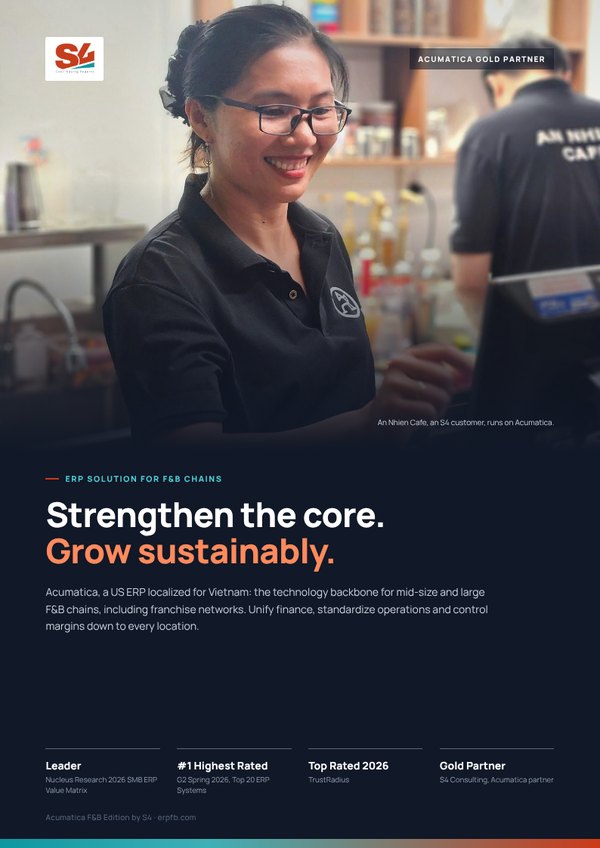
Acumatica F&B Edition by S4 brochure
Six pages for leadership: four capability layers, solutions by chain model and franchising, Vietnam compliance, the xRP platform, the An Nhien Cafe story and the Fast & Saving roadmap.
Frequently asked questions
Does Acumatica manage recipes?
Does backflush need store staff to do anything?
How do we know which store over-portions?

 Gold Partner
Evaluate against your operating model
Book an Executive Briefing with Lac Pham or Nu Huynh to discuss goals, scope and the right rollout roadmap for your chain.